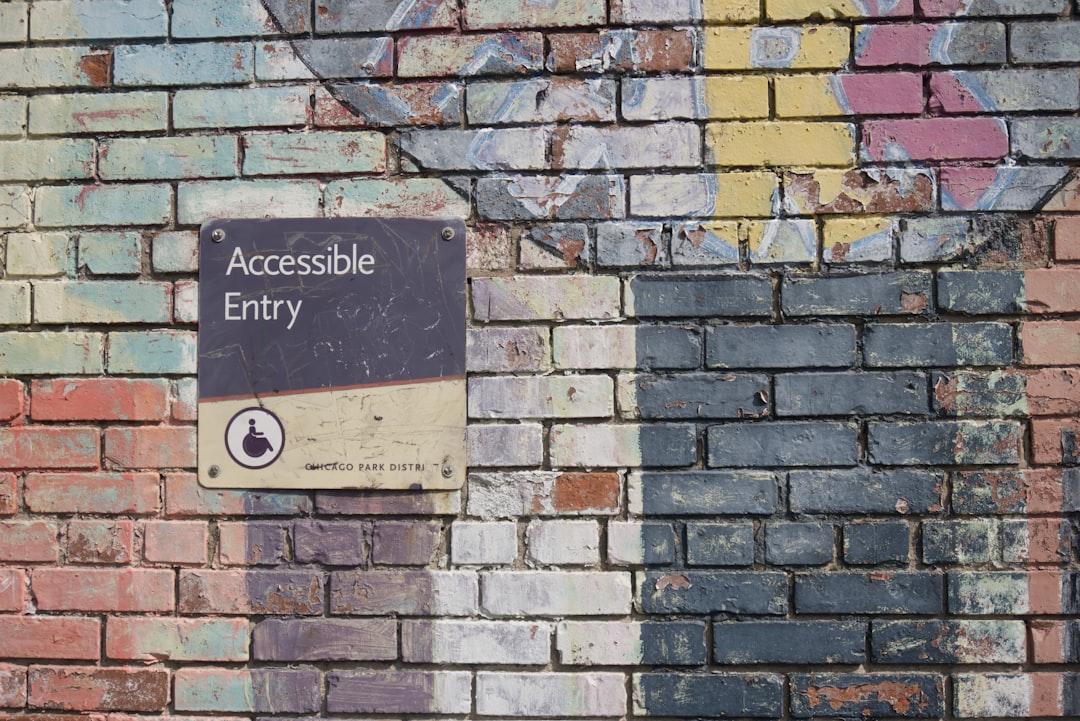
Social Media Accessibility: Preparing for an Inclusive 2026
As we approach 2026, social media accessibility has evolved from a nice-to-have feature to an essential business imperative. With over 1.3 billion people worldwide living with disabilities, brands that prioritize inclusive digital experiences aren’t just doing the right thing—they’re tapping into a massive, underserved market worth trillions of dollars. This comprehensive guide will equip you with actionable strategies to make your social media presence truly accessible and inclusive.
Understanding Social Media Accessibility in 2026
Social media accessibility refers to designing and creating content that can be accessed, understood, and interacted with by people of all abilities. This includes individuals with visual, auditory, motor, and cognitive disabilities. In 2026, accessibility isn’t just about compliance—it’s about creating meaningful connections with diverse audiences.
The Current Accessibility Landscape
Recent studies show that 96% of websites still fail basic accessibility tests, and social media platforms are no exception. However, the landscape is rapidly changing as platforms introduce new accessibility features and governments strengthen digital inclusion regulations. Major platforms like Facebook, Instagram, and Twitter have invested heavily in accessibility tools, making it easier for brands to create inclusive content.
Why Accessibility Matters More Than Ever
Beyond moral obligations, accessible social media content offers tangible benefits:
- Expanded audience reach and market penetration
- Improved SEO performance through better content structure
- Enhanced brand reputation and customer loyalty
- Reduced legal risks from accessibility lawsuits
- Better user experience for all audiences
Essential Accessibility Guidelines for Social Media
Visual Content Accessibility
Visual content dominates social media, making it crucial to ensure images, videos, and graphics are accessible to users with visual impairments.
Alt Text Best Practices:
- Write descriptive, concise alt text (125 characters or less)
- Focus on essential information and context
- Avoid redundant phrases like « image of » or « picture showing »
- Include relevant emotions or actions when they add context
Color and Contrast Considerations:
- Ensure sufficient color contrast (minimum 4.5:1 ratio for normal text)
- Don’t rely solely on color to convey information
- Use tools like WebAIM’s Contrast Checker to verify accessibility
- Consider colorblind-friendly palettes
Video Content Accessibility
Video content requires special attention to serve users with hearing impairments and those who prefer visual information processing.
Captions and Subtitles:
- Provide accurate, synchronized captions for all video content
- Include speaker identification when multiple people are speaking
- Describe important sound effects and background audio
- Use tools like Rev or Otter.ai for professional captioning services
Audio Descriptions:
- Provide audio descriptions for visual elements in videos
- Describe actions, settings, and visual cues
- Consider creating separate audio description tracks
Platform-Specific Accessibility Features
Facebook and Instagram Accessibility Tools
Meta has significantly improved accessibility features across its platforms. Facebook and Instagram now offer:
- Automatic alt text generation (though manual descriptions are preferred)
- Voice-over support for screen readers
- Keyboard navigation options
- Auto-captioning for video content
- High contrast mode support
Twitter/X Accessibility Features
Twitter provides several accessibility tools:
- Image description capabilities
- Reduced motion options
- Voice tweet transcriptions
- Screen reader optimization
LinkedIn Professional Accessibility
LinkedIn focuses on professional accessibility features:
- Document accessibility checkers
- Video captioning tools
- Alt text for professional images
- Accessible presentation formats
Creating Accessible Content Strategies
Content Planning with Accessibility in Mind
Successful accessibility starts at the planning stage. Consider these strategies when developing your content calendar:
Inclusive Content Themes:
- Feature diverse voices and perspectives
- Highlight accessibility success stories
- Share resources for disabled communities
- Promote inclusive events and initiatives
Writing Accessible Copy
Clear, concise writing benefits all users, especially those with cognitive disabilities or those using assistive technologies:
- Use simple, straightforward language
- Break up long paragraphs into shorter, digestible chunks
- Use bullet points and numbered lists for clarity
- Define technical terms and acronyms
- Use active voice when possible
- Include clear calls-to-action
Hashtag Accessibility
Proper hashtag formatting improves screen reader compatibility:
- Use CamelCase for multi-word hashtags (#SocialMediaTips instead of #socialmediatips)
- Limit the number of hashtags per post
- Place hashtags at the end of posts when possible
- Avoid excessive punctuation in hashtags
Tools and Resources for Accessibility Testing
Essential Accessibility Testing Tools
Regular testing ensures your content remains accessible. These tools can help streamline the process:
Free Testing Tools:
- WAVE Web Accessibility Evaluator for web content analysis
- Coblis Color Blindness Simulator for color accessibility testing
- Built-in screen readers (VoiceOver on Mac, NVDA on Windows)
- Browser developer tools for contrast checking
Premium Accessibility Tools:
- axe DevTools for comprehensive accessibility testing
- Colour Contrast Analyser for detailed color analysis
- Adobe Accessibility Tools for content creation
Content Management Solutions
Streamline your accessible content creation with specialized tools:
- Buffer offers accessibility features in their social media scheduling platform
- Hootsuite includes accessibility checking in their content calendar
- Canva provides accessibility features for graphic design
- Later includes alt text reminders in their posting workflow
Building an Accessible Social Media Team
Training and Education
Creating truly accessible content requires team-wide commitment and understanding:
Essential Training Topics:
- Disability awareness and etiquette
- WCAG guidelines and best practices
- Platform-specific accessibility features
- Assistive technology demonstrations
- Inclusive language guidelines
Establishing Accessibility Workflows
Integrate accessibility checks into your standard content creation process:
- Content ideation with accessibility considerations
- Design review for color contrast and readability
- Alt text creation and review
- Caption and subtitle preparation
- Final accessibility audit before publishing
- Post-publication monitoring and feedback collection
Measuring Accessibility Success
Key Performance Indicators
Track these metrics to measure your accessibility efforts:
- Percentage of posts with alt text
- Video content with captions ratio
- Engagement rates from diverse audience segments
- Accessibility-related feedback and comments
- Reach expansion in underserved markets
- Brand sentiment among disability communities
Continuous Improvement Strategies
Accessibility is an ongoing journey, not a destination:
- Regularly audit existing content for accessibility gaps
- Stay updated on platform accessibility feature releases
- Engage with disability advocacy groups for feedback
- Conduct user testing with people with disabilities
- Update guidelines based on new regulations and best practices
Future-Proofing Your Accessibility Strategy
Emerging Technologies and Accessibility
As we look toward 2026 and beyond, new technologies are reshaping accessibility:
- AI-powered alt text generation becoming more sophisticated
- Voice-controlled social media interfaces
- Augmented reality accessibility features
- Real-time translation and captioning improvements
- Haptic feedback integration for mobile devices
Regulatory Landscape Changes
Stay ahead of evolving accessibility regulations:
- European Accessibility Act implementation
- ADA compliance requirements for digital content
- Platform-specific accessibility mandates
- International accessibility standard harmonization
Case Studies: Brands Leading in Accessibility
Microsoft’s Inclusive Design Approach
Microsoft has set the standard for accessible social media content through consistent alt text usage, comprehensive video captioning, and inclusive imagery. Their approach demonstrates how accessibility can enhance brand perception while expanding market reach.
Starbucks’ Community-Centered Strategy
Starbucks actively features deaf and hard-of-hearing employees in their social media content, provides comprehensive captions, and uses sign language in video content. This authentic approach has strengthened their connection with the disability community.
Target’s Visual Accessibility Excellence
Target excels in creating visually accessible content with high contrast designs, descriptive alt text, and inclusive product imagery. Their consistent approach across platforms demonstrates scalable accessibility implementation.
À retenir
- Accessibility is a business imperative: With over 1.3 billion people with disabilities worldwide, accessible social media content opens doors to massive untapped markets while reducing legal risks and enhancing brand reputation.
- Start with the basics: Focus on essential accessibility features like alt text for images, captions for videos, proper color contrast, and clear, simple language before moving to advanced implementations.
- Use available tools and resources: Leverage platform-built accessibility features, testing tools like WAVE and axe DevTools, and content management solutions from Buffer, Hootsuite, and Canva to streamline your accessible content creation process.
- Build accessibility into your workflow: Integrate accessibility considerations at every stage of content creation, from initial planning through post-publication monitoring, and ensure your entire team is trained on inclusive practices.
- Measure and iterate continuously: Track key metrics like alt text usage, caption coverage, and engagement from diverse audiences, while staying current with evolving technologies, regulations, and best practices to future-proof your accessibility strategy.